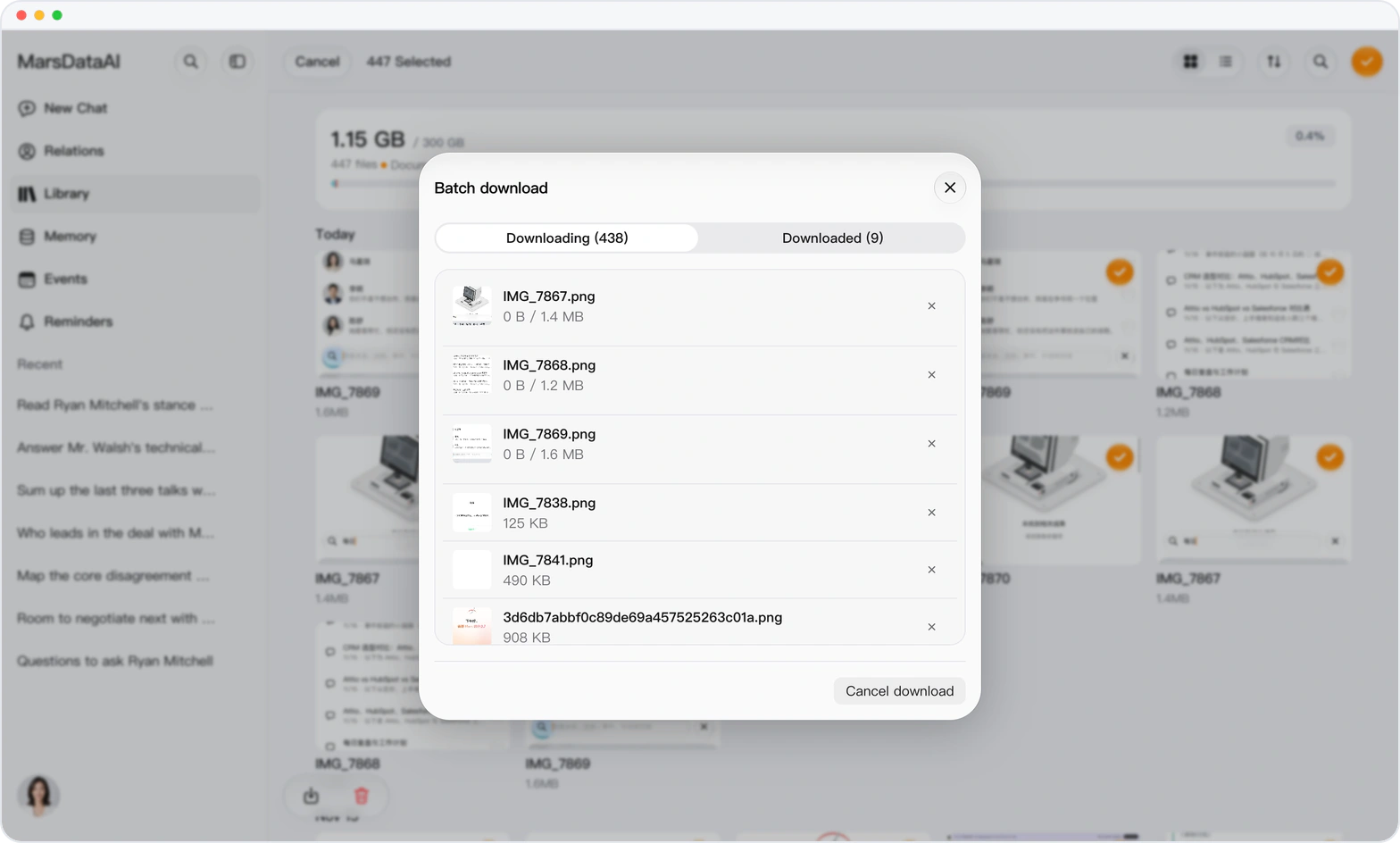
Download hundreds, track the progress
Need a copy of everything in your Library? Clicking files one at a time, or staring at a spinner, wears thin fast.
Select files in the Library, or Select all, and choose Download: the Batch download window lists every file under Downloading and Downloaded, each with its size, bytes received and a progress bar. Mars fetches three files at a time; cancel whenever you like, Resume picks up from where it stopped, and only the files that failed are retried. On a computer, pick the folder to save to and make it the default in browsers that allow it; on iPhone, iPad and Mac, save to a folder or share the finished files. Files with the same name are never overwritten. In testing, all 544 files of a Select all finished downloading.
Back up a project or hand over a whole batch of files in one go, always knowing how far along it is.
See the rest of the November 16 release in the changelog.